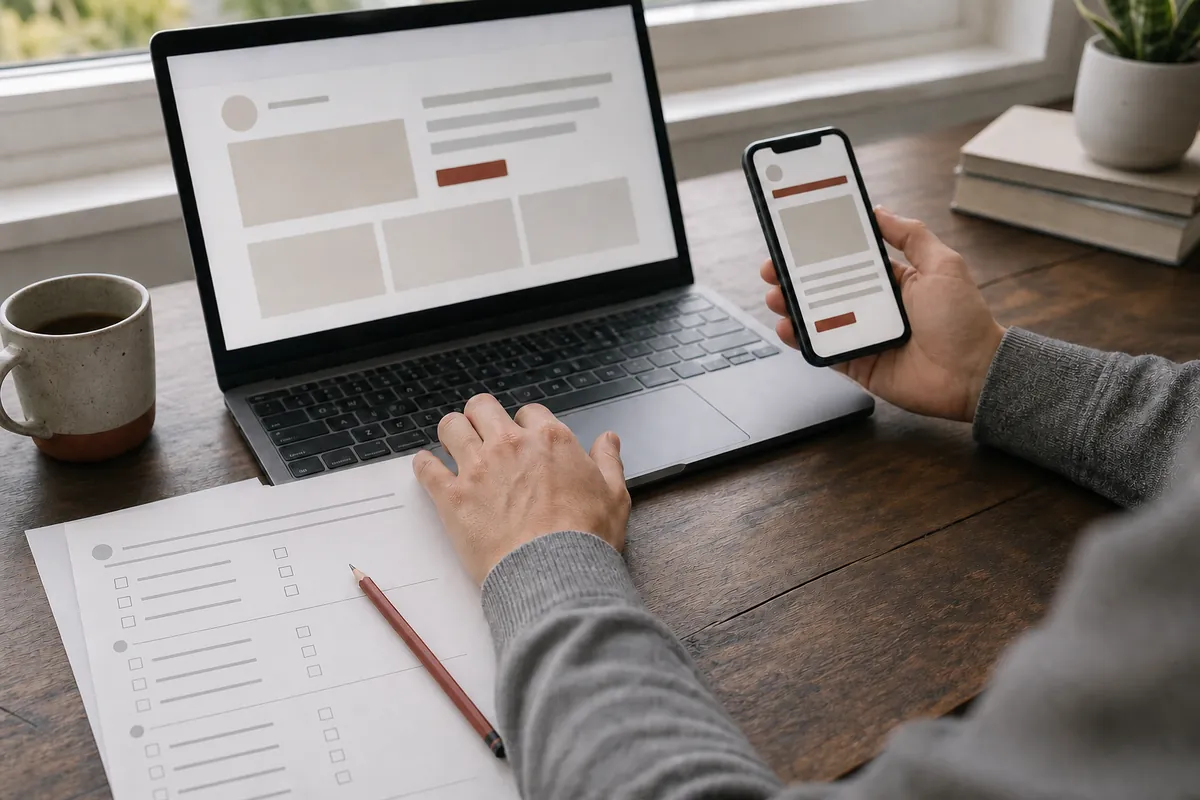
Codex can read project files, explain the structure, propose a change plan, write code, and help with testing. For a beginner, the important skill is not generating a large codebase. It is controlling one small change.
Prepare four things before you begin
- A separate project folder. Do not give a tool your desktop or whole drive as a workspace.
- Real content. Prepare your name, the problem you are exploring, a short project description, and one action button.
- Observable completion criteria. For example, the page opens, four content blocks are visible, the button displays a specific message, and a phone width has no horizontal scroll.
- A place for evidence. Keep the run address, screenshots, changed files, and test results.
Write your first work brief
Do not stop at "make me a premium website." Turn the request into a short work brief:
Then ask Codex to inspect the current folder and return a short plan without editing. The plan should name the files, main steps, preserved behavior, and verification method.
Approve the plan before execution
The approval moment is a beginner's strongest control. If a personal card task suddenly includes authentication, a database, payments, or a new framework, reduce the plan to the original goal first.
Inspect the result yourself
Open, refresh, read, click, and inspect at mobile width. Give each check one of three honest states: passed, failed, or not verified. A check you did not perform cannot pass because it "should be fine."
- Start the page using the project's documented method.
- Open it from a normal entry point and refresh once.
- Confirm existing content remains and new content is in the intended location.
- Click the action and observe the actual result.
- Check text wrapping and horizontal scroll near 390 pixels wide.
Move from this guide into practice
Begin with Day 0 environment setup to confirm the working folder and boundary. Continue to the Day 1 personal page exercise. The full 7-day Codex course also covers reading a project, work briefs, testing, debugging, and version evidence.
Frequently asked questions
Can a complete beginner use Codex?
Yes, when the first task is a tightly scoped web page. A beginner still needs to confirm the project folder, review the plan, run the page, and record test results.
What do I need before building my first page with Codex?
Prepare a separate project folder, a short introduction, the problem you want the page to address, the content it must show, and observable completion criteria.
Is the page finished when Codex says it is done?
No. Open and refresh the page, click the key interaction, and inspect it at mobile width before marking each requirement as verified.
Turn the tutorial into a working page.
Start with the environment check and preserve evidence from every run and test.
Start Day 0